Work / 01
Build a readable event backdrop
A backdrop has to work from the back of a room and in a photograph. Start with the viewing conditions, then decide how much information belongs on it.
Read the guide ↗Work
Turn a creative request into a practical brief, a comparable proposal and an observable result.
Complete examples, a blank record to keep and a drawing that explains the decision.
Work / 01
A backdrop has to work from the back of a room and in a photograph. Start with the viewing conditions, then decide how much information belongs on it.
Read the guide ↗
Work / 02
The success test for an office move is whether people can do essential work afterwards. Build the move around dependencies, not a stack of labelled boxes.
Read the guide ↗Work / 03
An IT plan should explain the change people will receive, how it will be accepted and who will operate it. A list of technologies does not answer those questions.
Read the guide ↗
Work / 04
Choose a graphics card for a workload, display and computer you already understand. A model name or a single benchmark score cannot establish compatibility or value.
Read the guide ↗Work / 05
A vehicle wrap is a moving sign with seams, doors and curved panels. Plan the information around those constraints instead of enlarging a business card.
Read the guide ↗Work / 06
Every form field asks for attention and sometimes personal information. Collect only what the organiser needs to deliver the event, and explain the next step.
Read the guide ↗
Work / 07
A useful website makes an intended action understandable and possible. Visual polish matters, but it should support a visitor’s next step.
Read the guide ↗Work / 08
A development brief should turn a business request into agreed pages, behaviour and acceptance checks. It is a shared record, not a sales slogan.
Read the guide ↗Work / 09
A small commissioned object still needs a clear specification. Give the maker a shared reference for appearance, scale and approval before production starts.
Read the guide ↗Work / 10
A useful handover explains the present state, the next action and the person responsible. It should let a colleague continue without reconstructing a whole chat history.
Read the guide ↗Work / 11
Product photographs should help someone understand the actual object. Start with the questions the pictures must answer, then plan consistent views.
Read the guide ↗Work / 12
Before choosing a course, identify the skill you want to use and the evidence that the course actually gives you a chance to practise it.
Read the guide ↗Work / 13
A mobile app brief becomes useful when it explains the user task, the states between screens and what happens when something goes wrong.
Read the guide ↗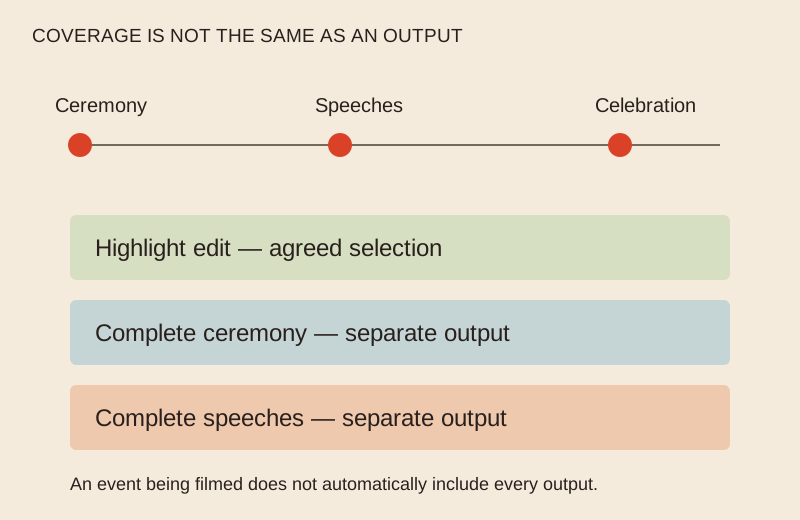
Work / 14
Translate the moments you care about into coverage, deliverables and an approval route before comparing proposals.
Read the guide ↗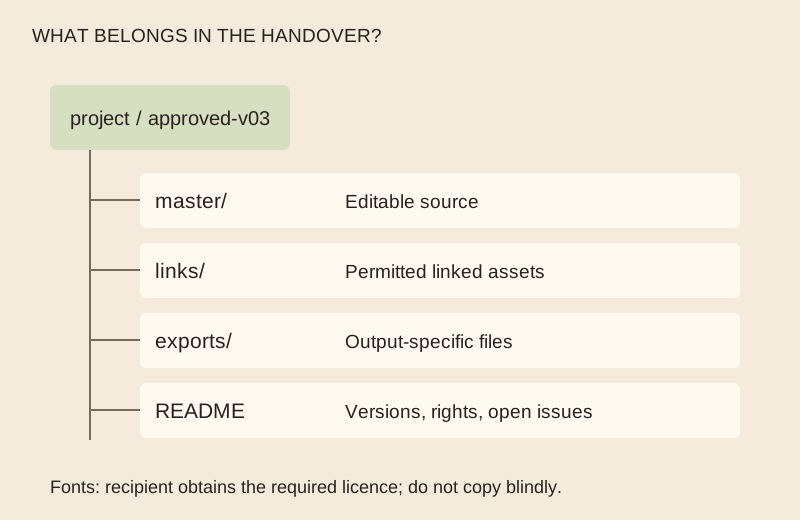
Work / 15
A finished-looking image is only one deliverable. Plan the editable files, exports, dependencies and rights as well.
Read the guide ↗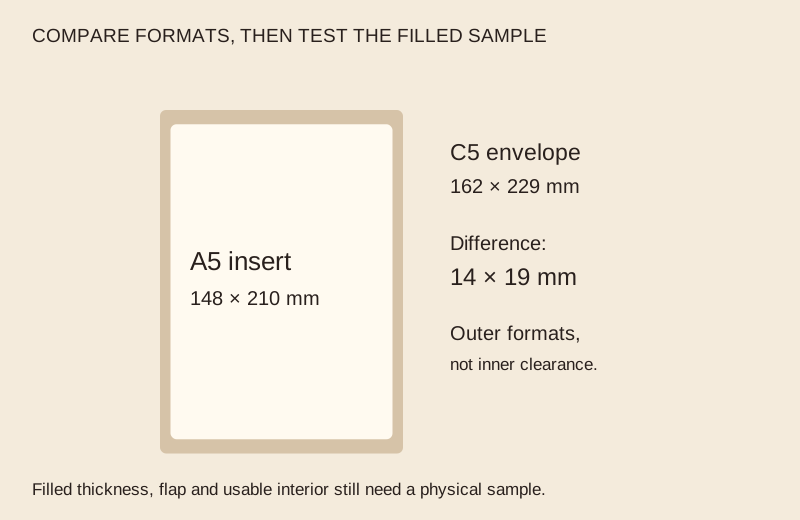
Work / 16
Test the insert, closing method and address area before approving a full print run.
Read the guide ↗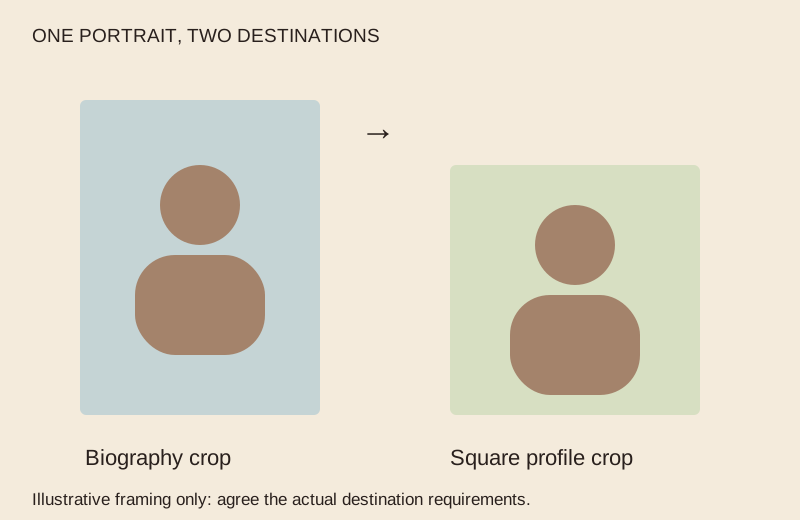
Work / 17
Agree the purpose, crop, selection and permissions without promising an audition or career result.
Read the guide ↗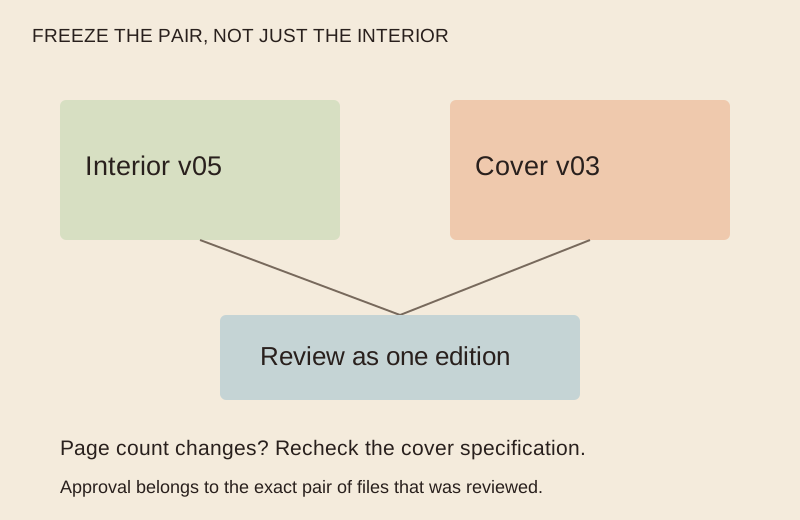
Work / 18
Separate writing, production and release so a finished file does not become an unreviewed book.
Read the guide ↗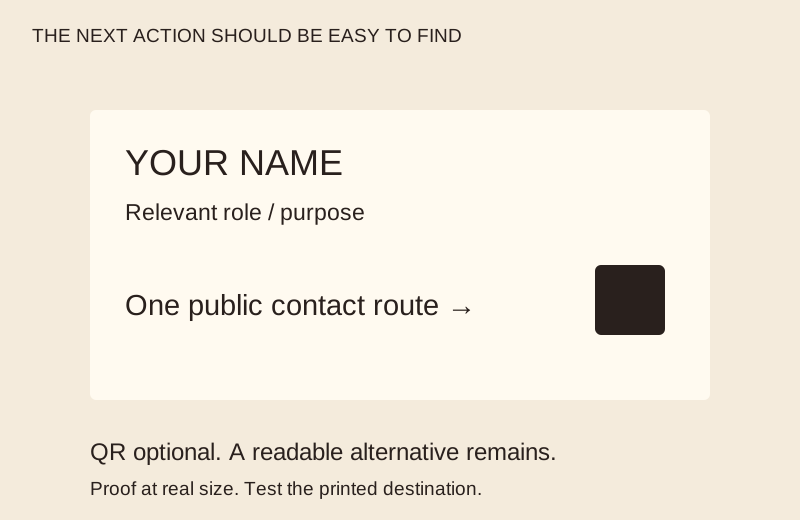
Work / 19
Use a readable contact route and a tested print proof instead of trying to fit an entire website on a card.
Read the guide ↗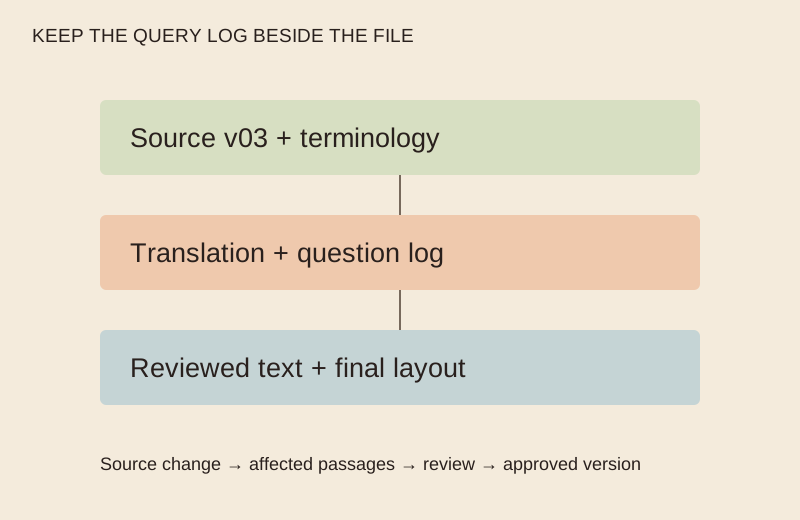
Work / 20
Give the translator context, terminology and a review route, then check the final layout as well as the words.
Read the guide ↗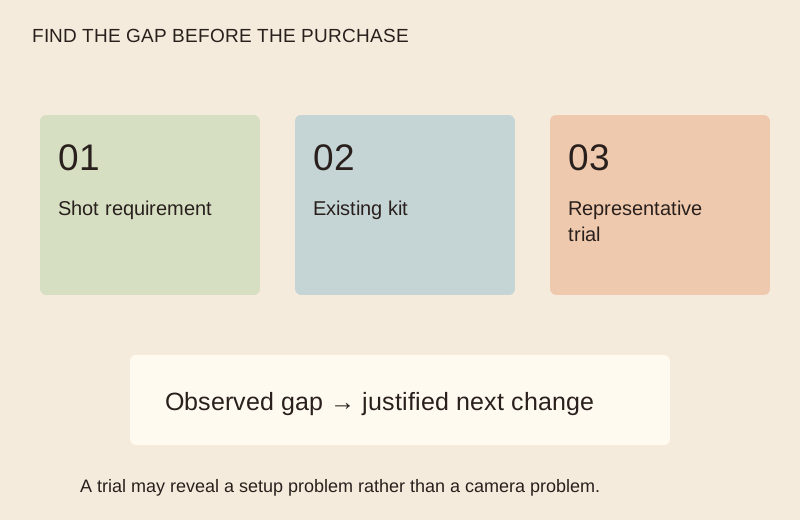
Work / 21
Start with a shot requirement and a file handover, then identify the equipment gap you actually need to solve.
Read the guide ↗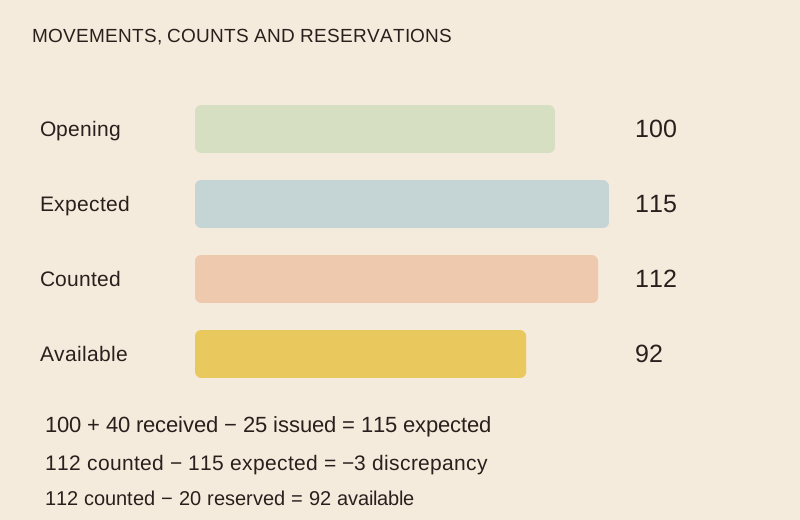
Work / 22
Separate physical stock, reserved items and a counted discrepancy before deciding what to reorder.
Read the guide ↗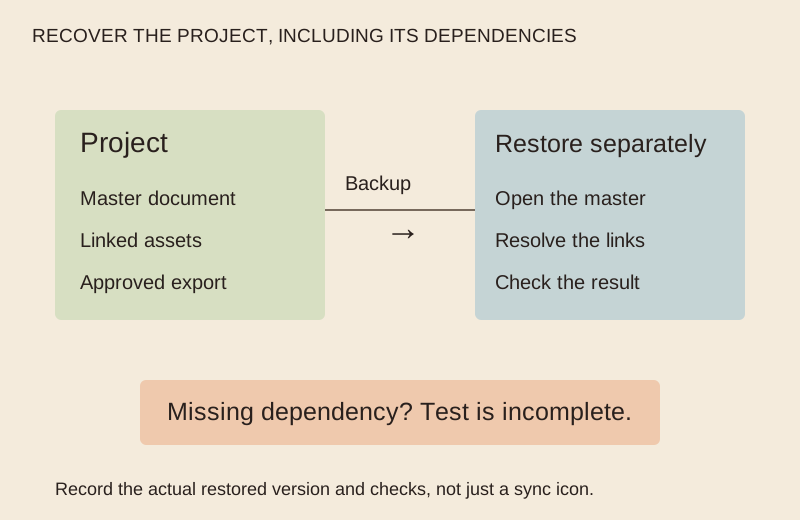
Work / 23
A useful backup plan names the files, recovery point and a safe restore check; a sync icon alone is not the test.
Read the guide ↗
Work / 24
Check the product, inner clearance, packing sequence and opening experience with one complete sample.
Read the guide ↗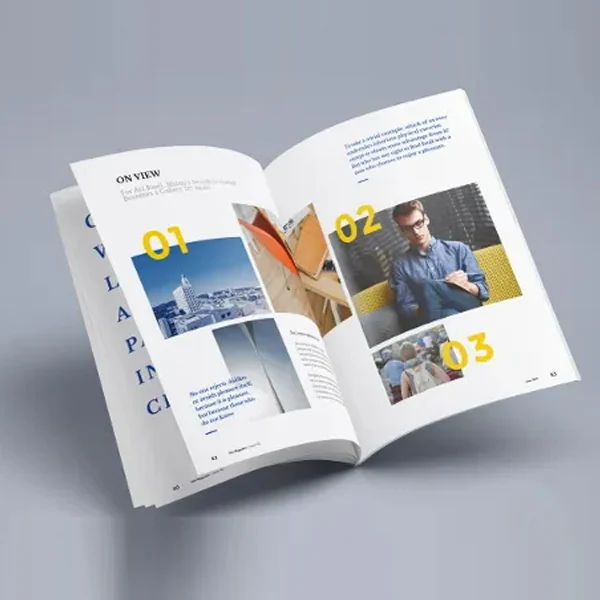
Work / 25
Separate reading order, printer imposition and the physical folded proof so a small booklet is easy to check.
Read the guide ↗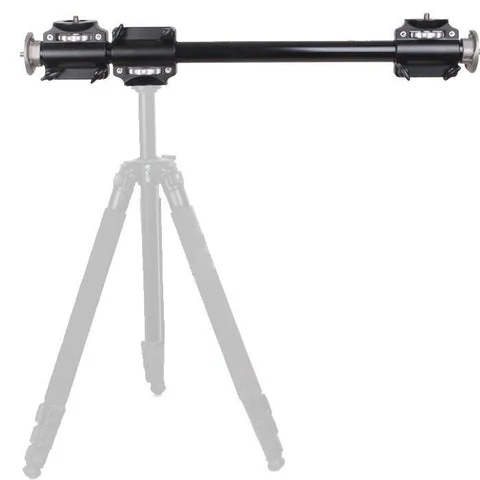
Work / 26
Compare the camera, head, plate, support and working footprint before relying on a tripod or monopod.
Read the guide ↗
Work / 27
Agree the spaces, viewpoints, permissions and final files before the photographer arrives.
Read the guide ↗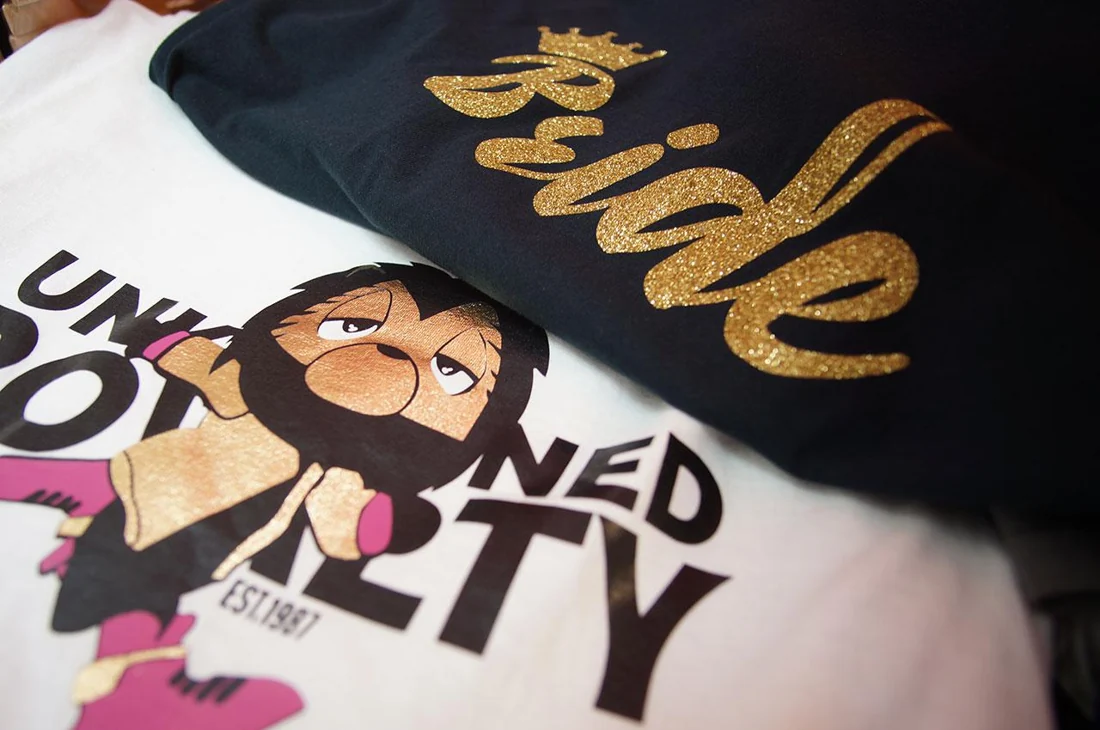
Work / 28
Keep the garment, artwork, position and quantity linked so the order describes one reproducible result.
Read the guide ↗
Work / 29
Describe the view, transmitted light, privacy and pattern at the actual location before approving a decorative glass design.
Read the guide ↗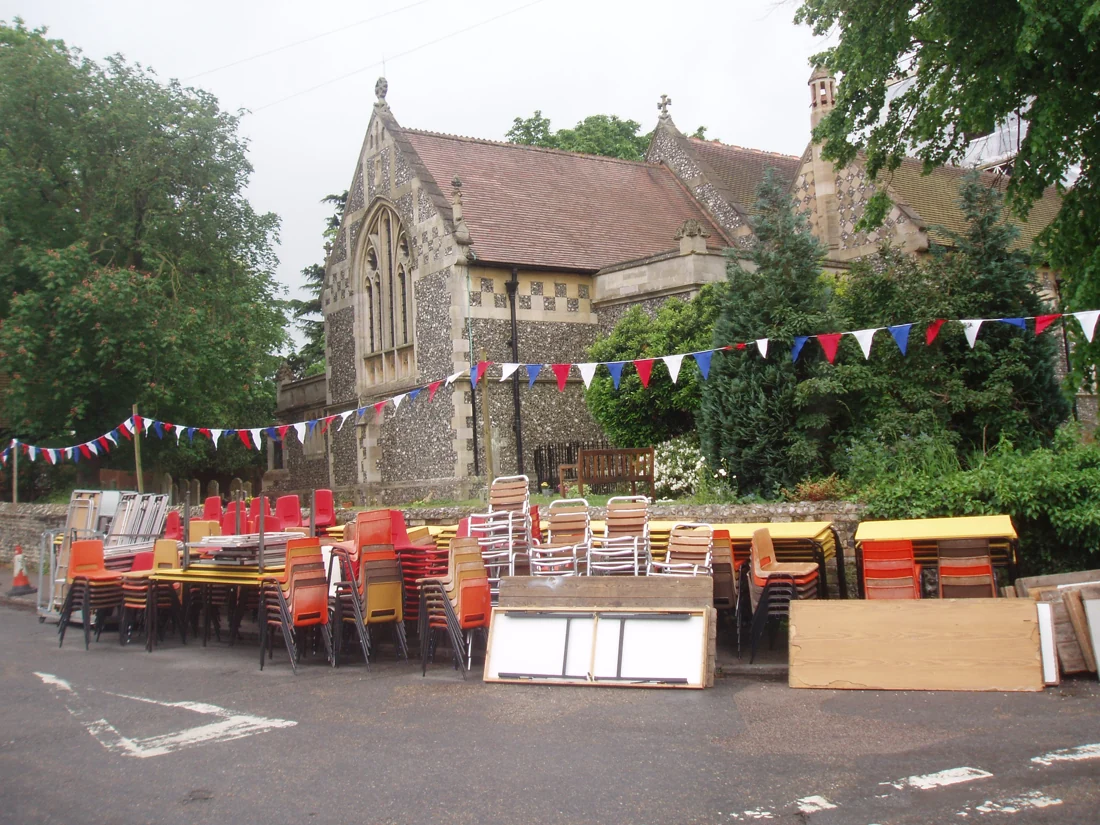
Work / 30
Link the delivery count, setup location, collection window and final return so hired pieces remain traceable.
Read the guide ↗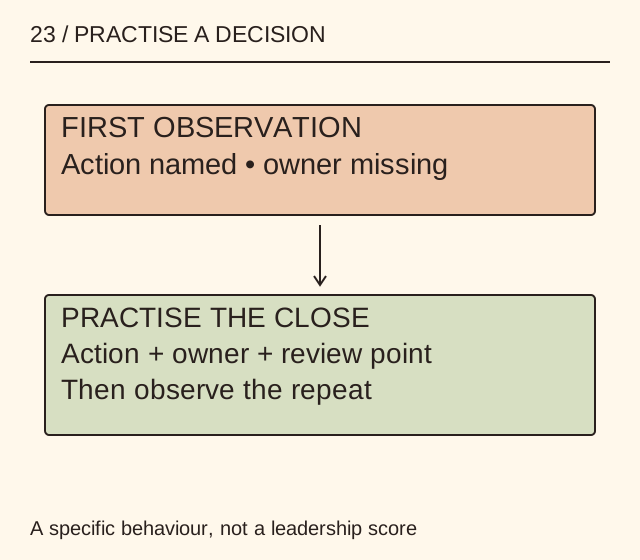
Work / 31
Choose one action, a short scenario and an evidence-based debrief instead of promising a complete leadership transformation.
Read the guide ↗
Work / 32
Ask which language and access arrangements participants need, then plan the interpreter’s information and sightlines.
Read the guide ↗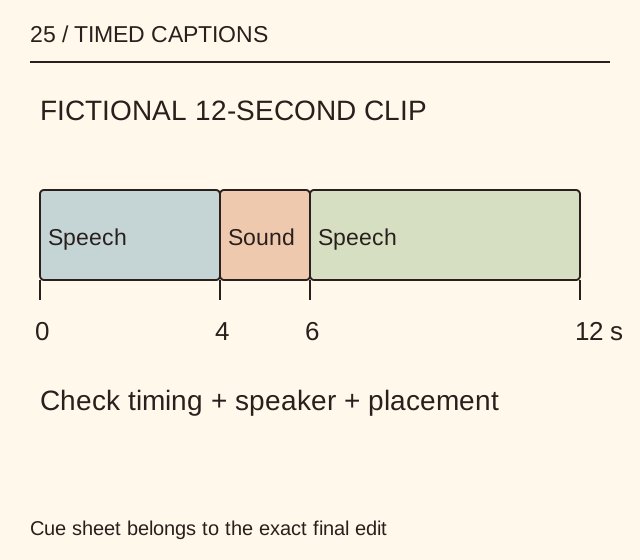
Work / 33
Connect the spoken message, meaningful sounds and visual content before approving a captioned edit.
Read the guide ↗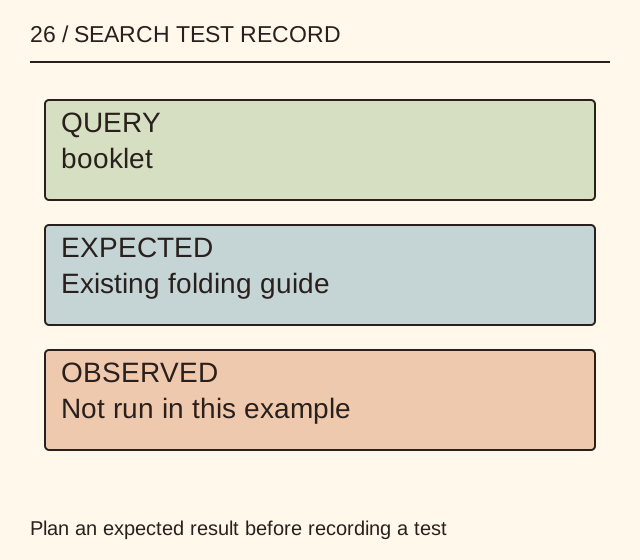
Work / 34
Turn a search complaint into a repeatable check of the page a visitor is trying to find.
Read the guide ↗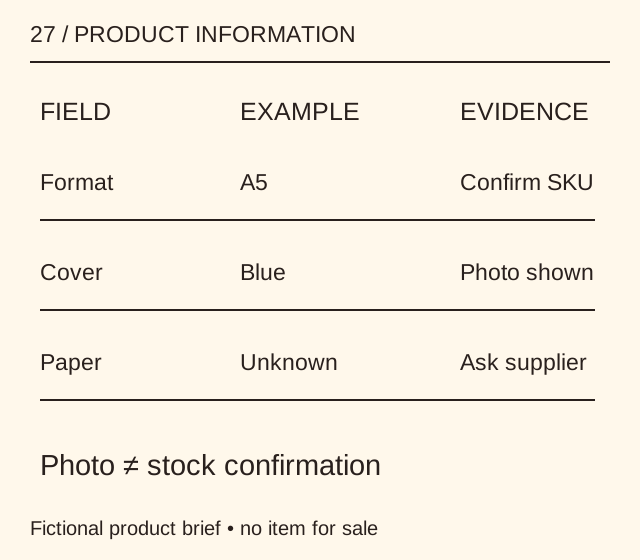
Work / 35
Separate facts about the product, the chosen variant and the transaction before commissioning a page.
Read the guide ↗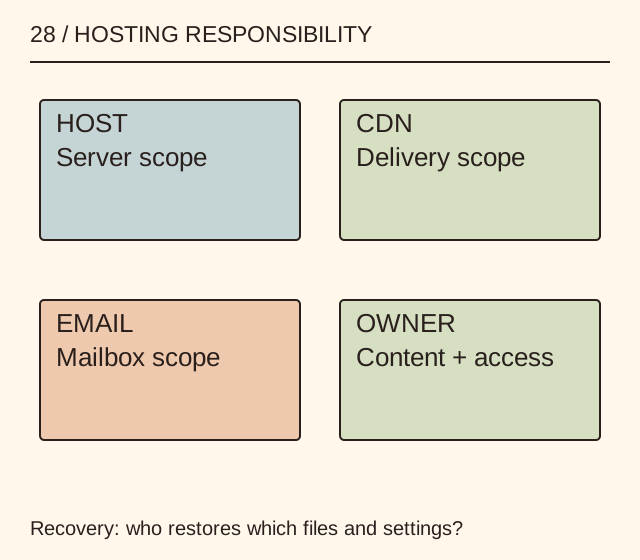
Work / 36
Ask who handles each operational task and how the site can leave before comparing a headline monthly price.
Read the guide ↗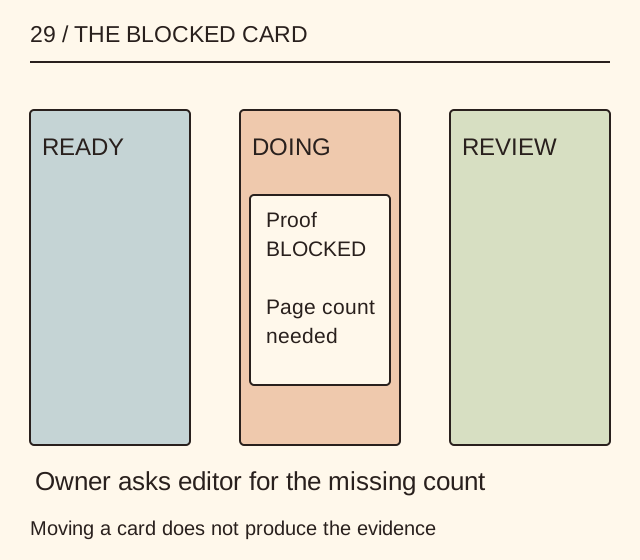
Work / 37
Give each card an owner, a finish condition and an explicit blocker instead of adding another vague status column.
Read the guide ↗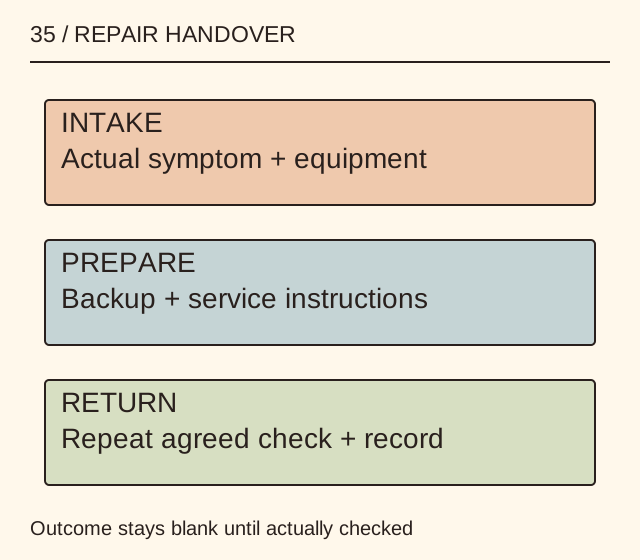
Work / 38
Give the repairer a reproducible problem and agree the data and equipment handover without sharing unnecessary secrets.
Read the guide ↗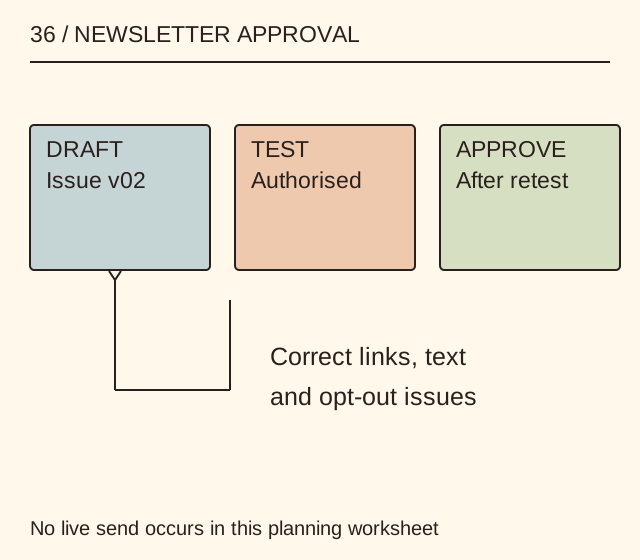
Work / 39
Check the message, permission route and working opt-out before an issue reaches real subscribers.
Read the guide ↗
Work / 40
Verify the title, author and edition, then turn one chapter into a question you can investigate.
Read the guide ↗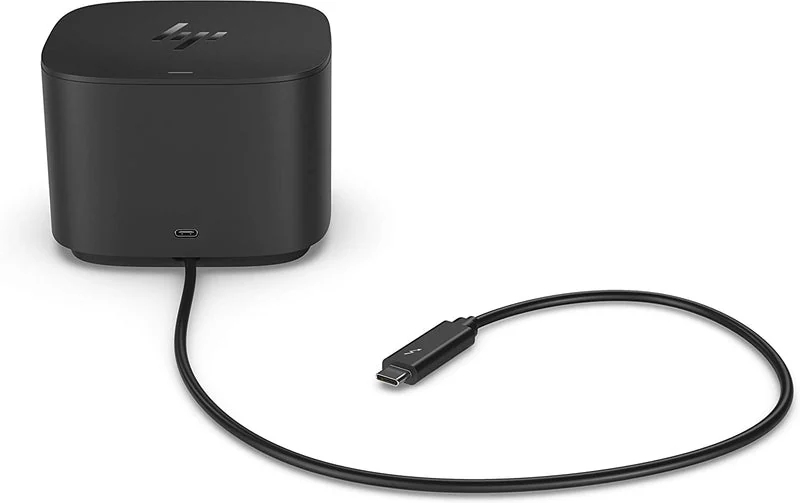
Work / 41
Check each requested function across the laptop, dock, cable and attached device.
Read the guide ↗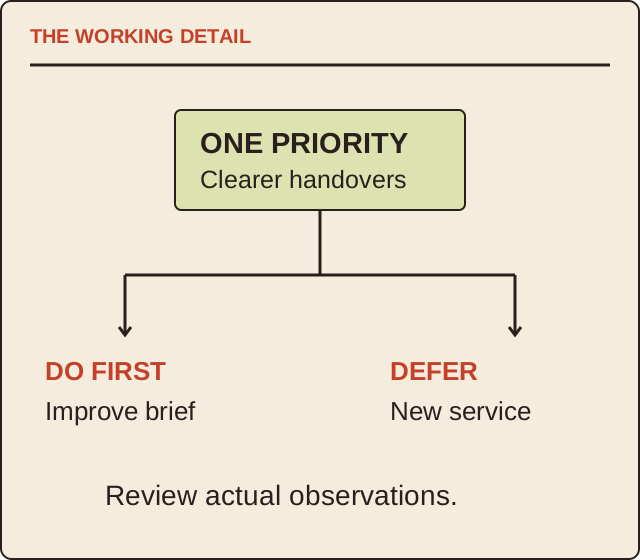
Work / 42
Connect a chosen outcome to evidence, a trade-off and the next review.
Read the guide ↗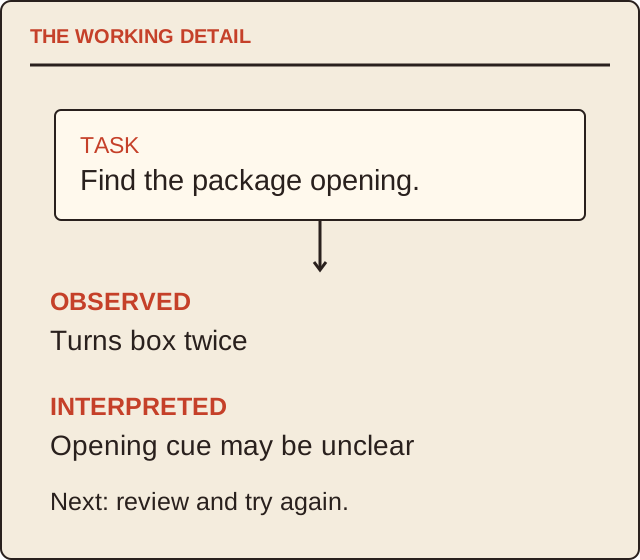
Work / 43
Give visitors a clear task and record observations without turning every interaction into a sales claim.
Read the guide ↗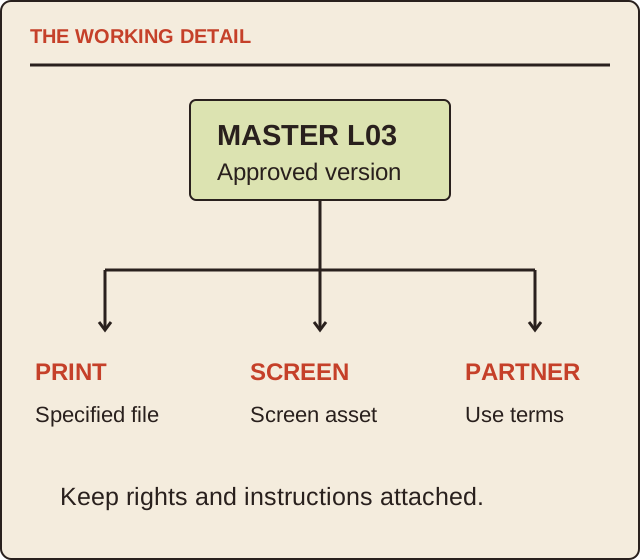
Work / 44
Organise the approved identity files by destination, permission and version.
Read the guide ↗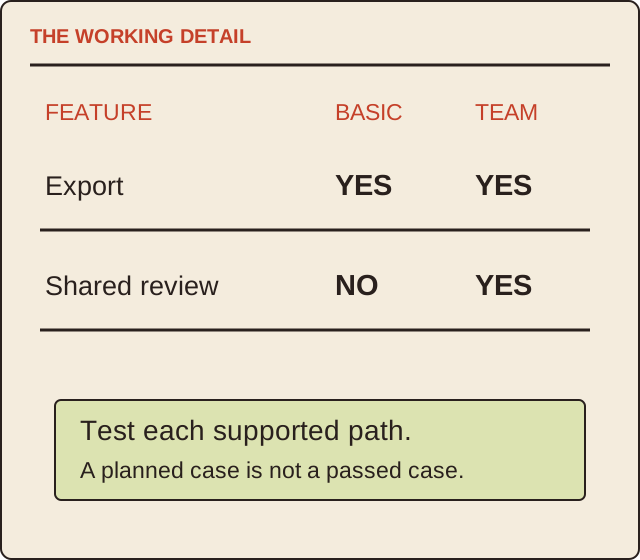
Work / 45
Show what is shared, what varies and which combinations the team actually supports.
Read the guide ↗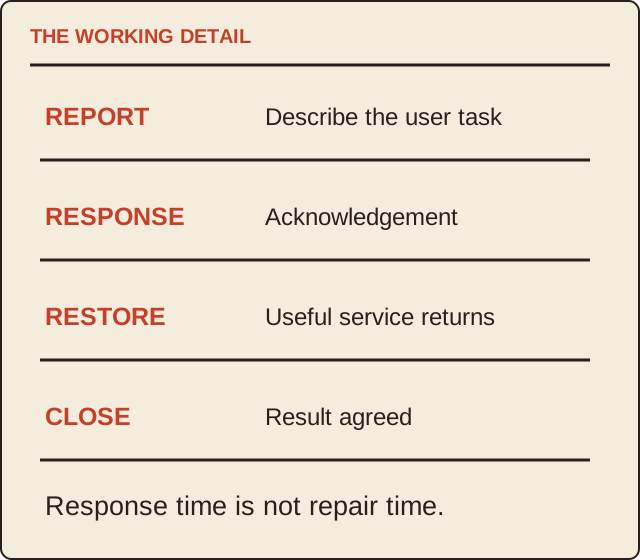
Work / 46
Make response, investigation, restoration and closure distinct service questions.
Read the guide ↗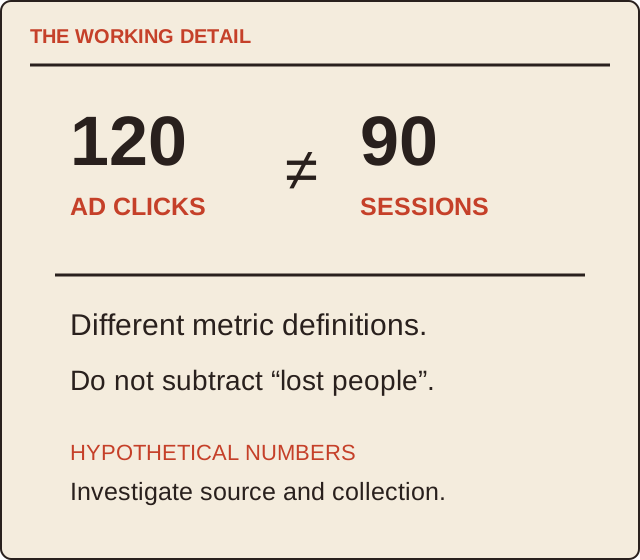
Work / 47
Define the metric, source, period and scope before comparing performance.
Read the guide ↗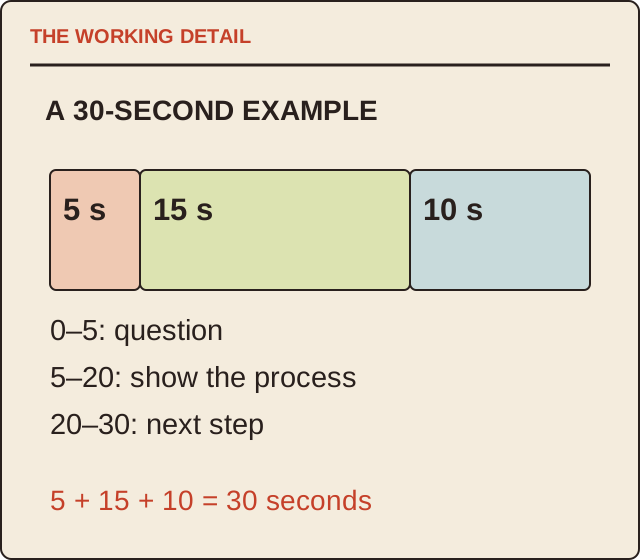
Work / 48
Connect what the audience must understand to pictures, sound and deliverables.
Read the guide ↗
Work / 49
Agree the design, dimensions, material claims and sample approval before a production quantity.
Read the guide ↗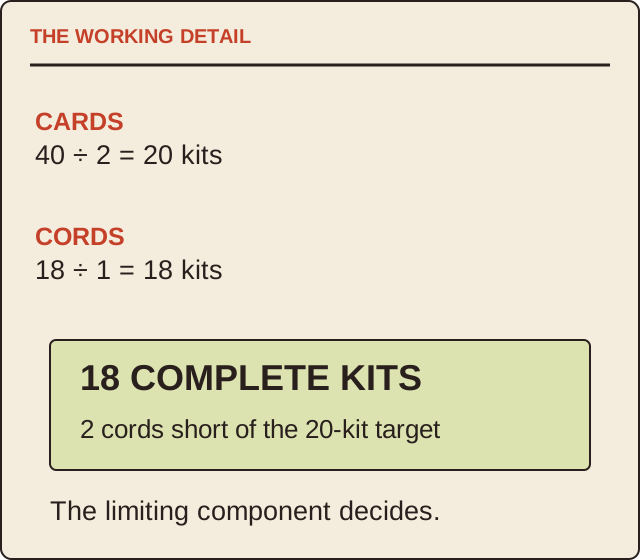
Work / 50
Use a bill of materials, one complete sample and a shortage calculation.
Read the guide ↗
Work / 51
Connect the activity, prepared device, saved work and return process.
Read the guide ↗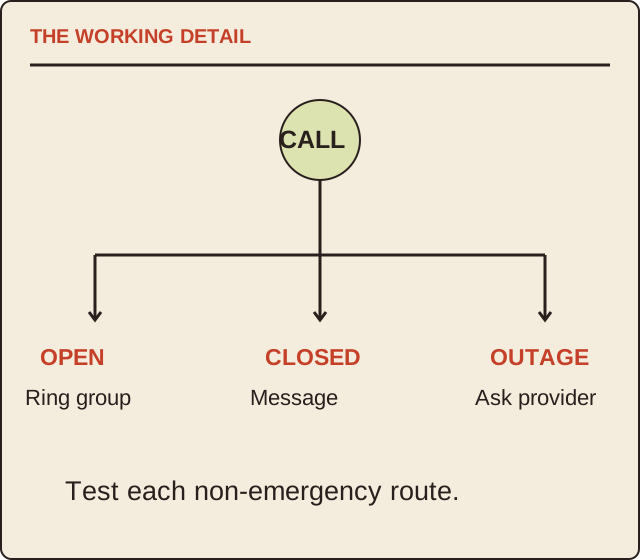
Work / 52
Check where a call goes in normal, busy and unavailable states before changing service.
Read the guide ↗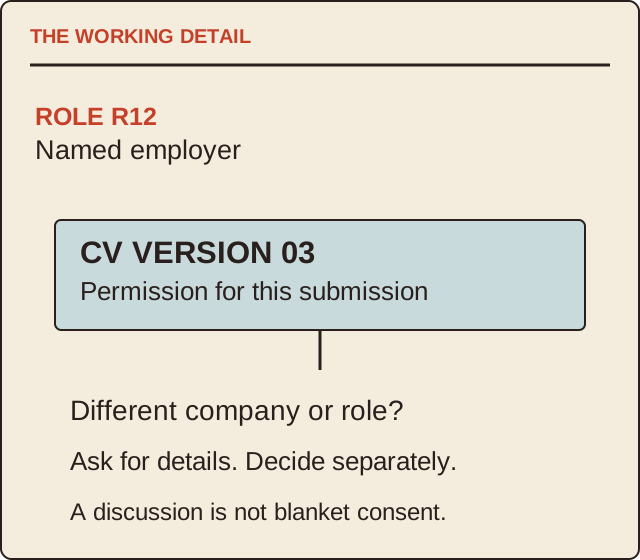
Work / 53
Know which role, employer and version of your information are being discussed.
Read the guide ↗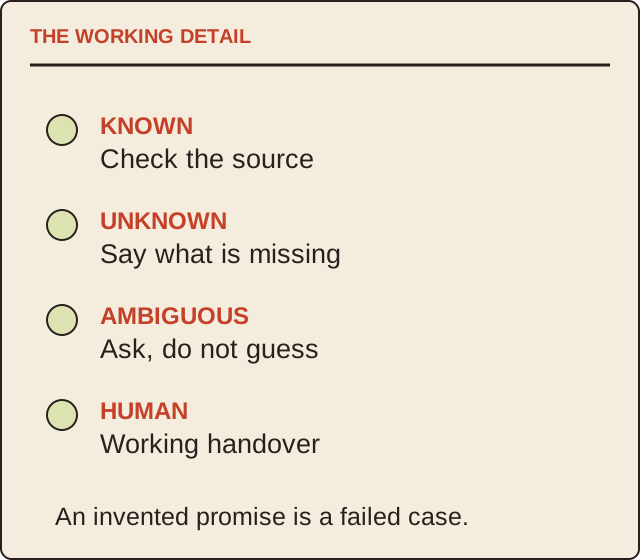
Work / 54
Test useful answers, uncertainty and the route to a person instead of judging a fluent greeting.
Read the guide ↗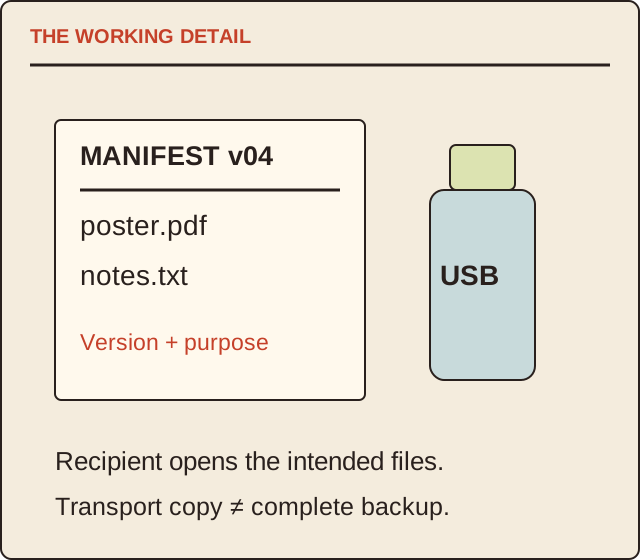
Work / 55
Make the intended files, versions and receiving check explicit.
Read the guide ↗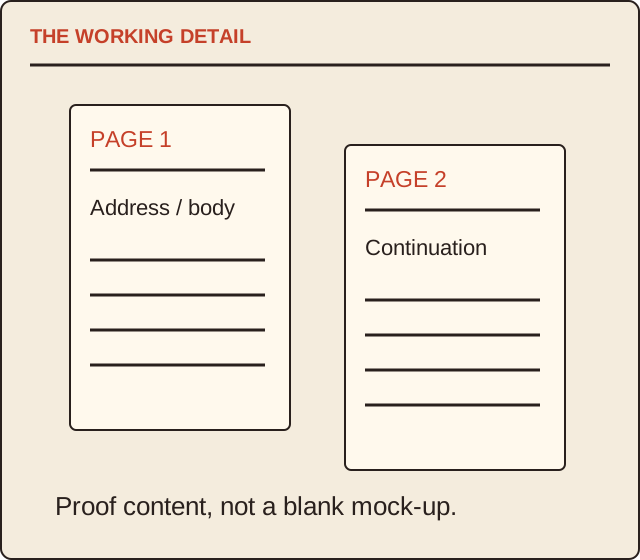
Work / 56
Check the template, continuation page and final print path as one document.
Read the guide ↗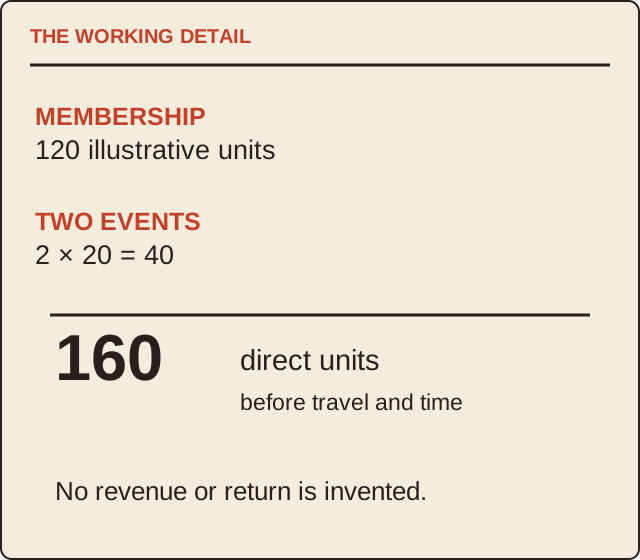
Work / 57
Check the actual organisation, access, costs and next action instead of a promised network effect.
Read the guide ↗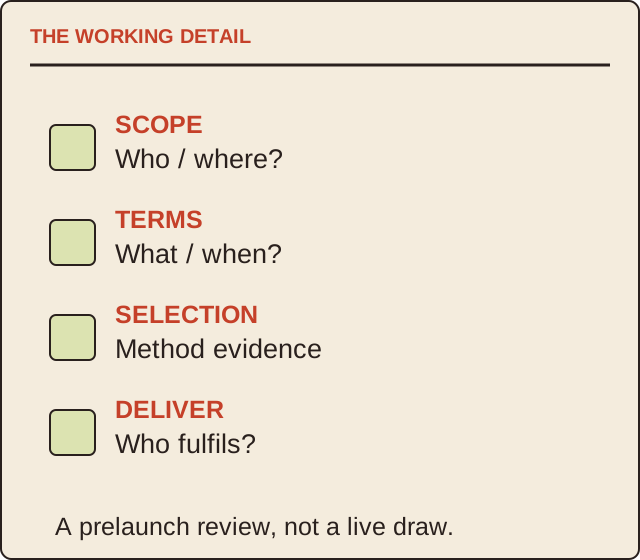
Work / 58
Make the eligibility, prize, selection evidence and responsibilities visible before launch.
Read the guide ↗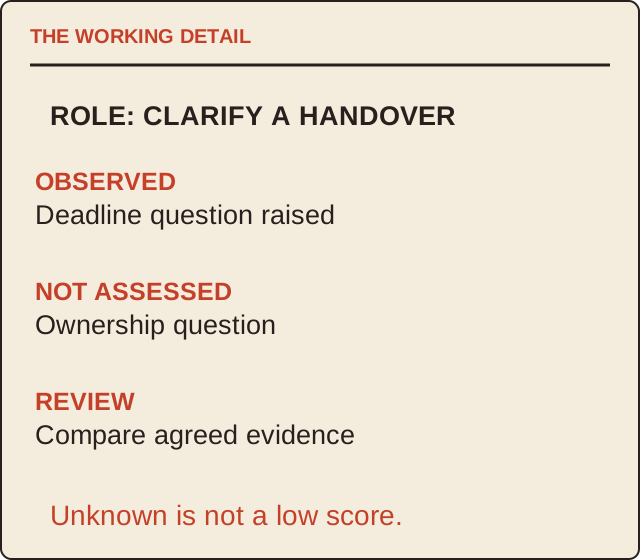
Work / 59
Agree the work evidence and review method before meeting candidates.
Read the guide ↗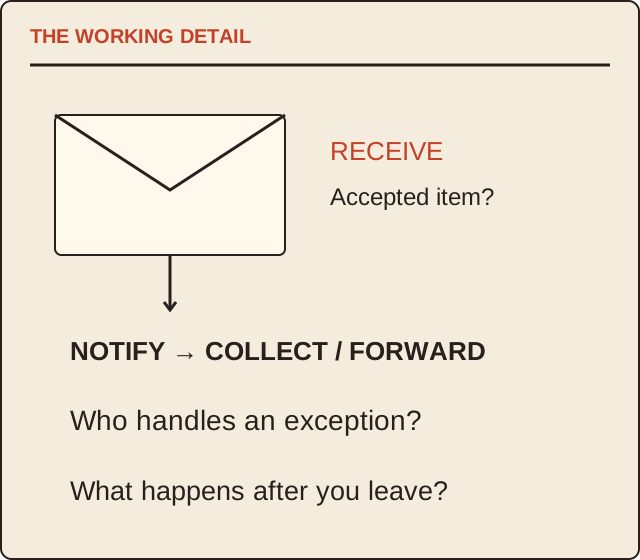
Work / 60
Check what is received, who is notified and how you leave the service.
Read the guide ↗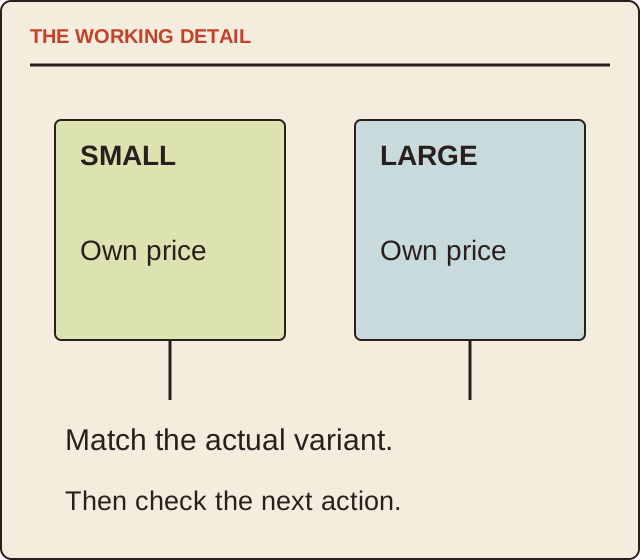
Work / 61
Connect the object, truthful information and route to the next useful action.
Read the guide ↗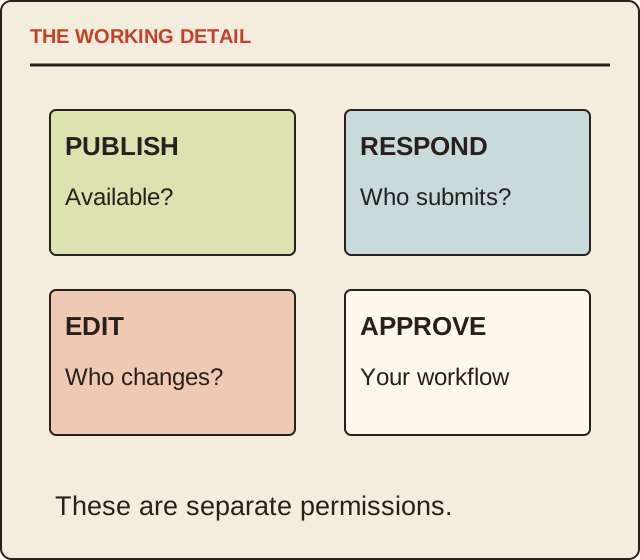
Work / 62
Distinguish publishing, responder access, collaborator access and approval inside your own organisation.
Read the guide ↗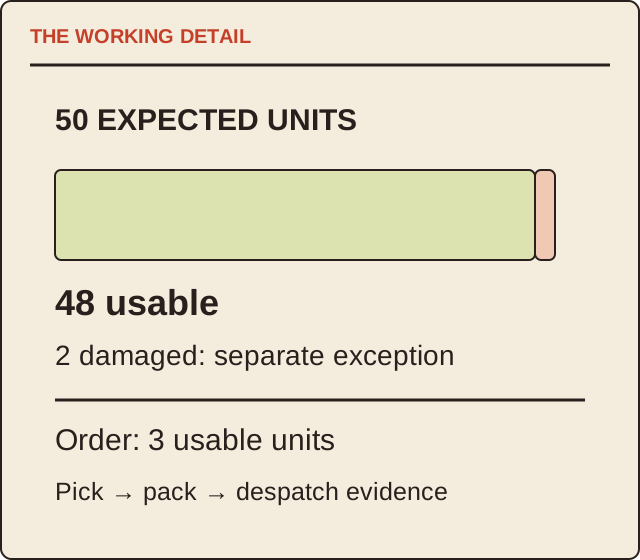
Work / 63
Follow the stock count, exception and delivery handover instead of relying on a warehouse photograph.
Read the guide ↗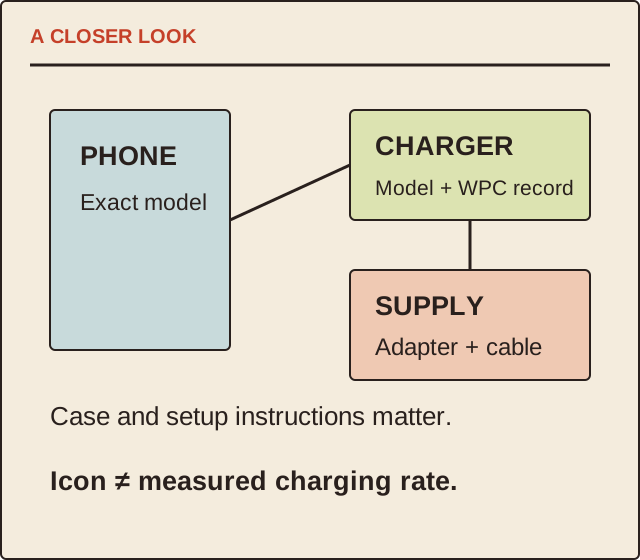
Work / 64
Identify the phone, pad, case, cable and power supply before interpreting a charging-speed claim.
Read the guide ↗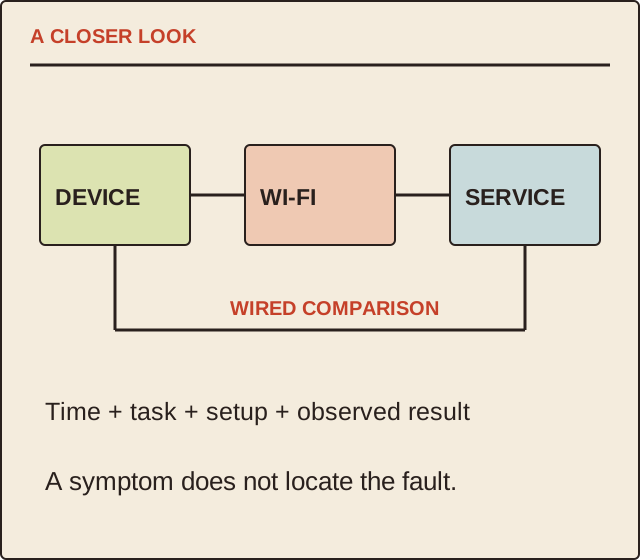
Work / 65
Separate the service connection, local Wi-Fi and the application where you noticed a problem.
Read the guide ↗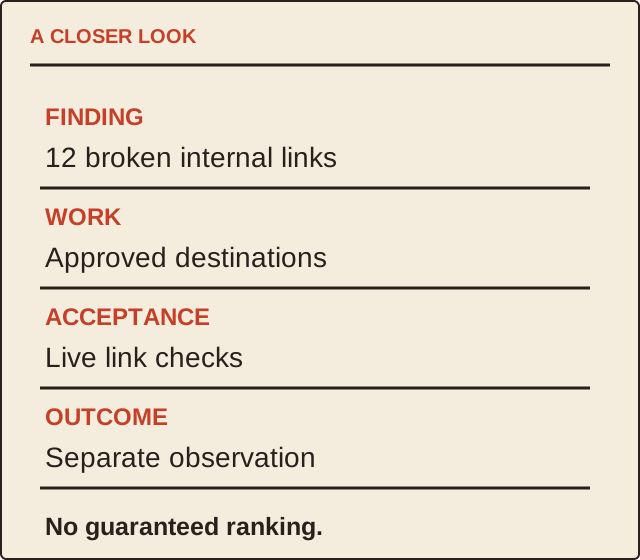
Work / 66
Ask what will change, how it will be checked and which permissions are actually needed.
Read the guide ↗
Work / 67
Make the deliverable, placement spend and evidence visible before comparing a campaign price.
Read the guide ↗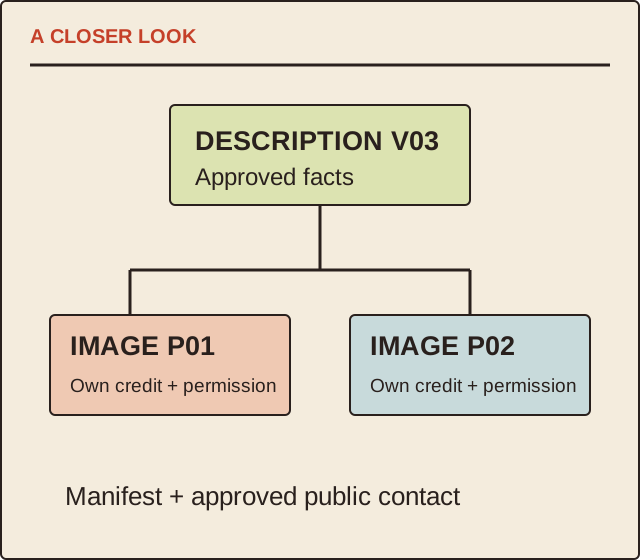
Work / 68
Give a reader a usable project description, approved photographs and a clear contact route.
Read the guide ↗