A useful way through
- List the operational purpose of each field. Remove questions without a clear use and separate optional requests from required information.
- Show the essential event details before the form: date, location, eligibility if relevant and any charge. Keep cancellation information easy to find.
- Test the form on a phone and with a keyboard. Use visible labels, clear errors and a confirmation that explains what happens next.
- Agree who receives submissions, how long they are kept and how corrections are handled. Do not send sensitive attendee information in public spreadsheets.
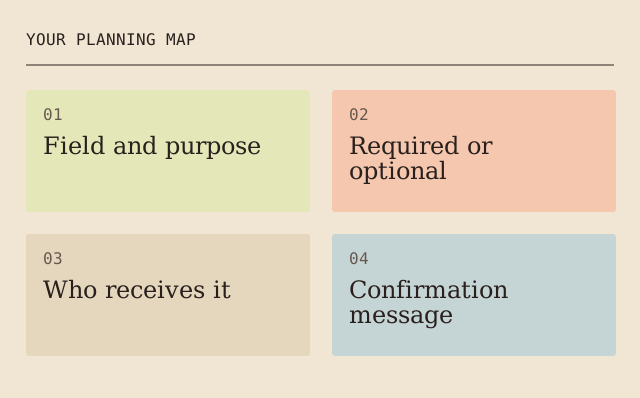
Read the map as text
YOUR PLANNING MAP · 01 · Field and purpose · 02 · Required or · optional · 03 · Who receives it · 04 · Confirmation · message
- Field and purpose
- Required or optional
- Who receives it
- Confirmation message
Put it into practice
If catering only needs a count of meal options, it may not need a free-text account of someone’s medical history. Ask for the minimum operational choice and provide a private contact route for other needs.
Illustrative example, not a reported client project or test.
Your take-away checklist
Design a registration form people can finish
- □ Field and purpose: ____________________
- □ Required or optional: ____________________
- □ Who receives it: ____________________
- □ Confirmation message: ____________________
- □ Retention and correction route: ____________________
Before you act
A working submit button does not prove that confirmation delivery or access permissions are correct. Test the full route with non-sensitive sample data.
Sources & context
This guide develops the subject of Tips For Receiving Online Event Registrations, published 2022-07-19. The original capture is linked below. The new checklist is a planning procedure; product specifications, contracts and local requirements must be checked for the actual situation.
The starting point: Tips For Receiving Online Event Registrations
The page was credited to Maria Baldwin and dated 2022-07-19. The present procedure and example are by MichaelT.
Event registration is a vital step to getting out the word that your church is hosting an event. Follow these 8 tips to ensure you're receiving online event registrations in the most effective way possible.
Test a cancellation and a released place as separate states
Create synthetic registrations and verify the agreed status model before inviting real people. Record whether a place is requested, confirmed, cancelled or on a waiting list, and who may change each state. Test a repeated action and a failed notification rather than assuming every successful screen means a person received a message. Keep payment tests outside the demonstration unless separately authorised.
- Initial state
- Confirmed synthetic place A
- Action
- Cancel A twice
- Expected state
- One cancellation, no negative count
- Evidence still needed
- Check message delivery separately
In the fictional test, cancelling A releases one place, not two. Moving a waiting entry to confirmed needs its own approval and notification record. These are test expectations, not a claim that a particular event platform was exercised.
Earlier topic, 2021-03-09, Maria Baldwin: Utilize Event Planning Software For Your Turnover ↗. New worked record: MichaelT, 23 October 2026.