A useful way through
- List the actual tasks visitors should complete. For each task, name an existing page that answers it and a few plausible queries. Internal site search finds content within your site; it is different from a general web search engine. Do not carry forward the older article’s mixed descriptions of the two.
- Prepare a small test set: an exact title term, a useful synonym, a phrase, an empty query and a query with no expected match. Record the expected destination or message before running the test. Keep published content and search configuration versions with the record.
- Run each query on the rendered site and inspect the results. Open the destination and check whether it really answers the task. For a query containing punctuation or markup-like characters, the interface should treat the input as data; use harmless test strings, not real attacks or private information.
- Record the actual outcome and resolve one failure at a time. A missing synonym may need content or indexing work; a misleading page title may be a publishing problem. Repeat the affected checks after a change. A successful small set is not proof of relevance for every possible query.
Read the map as text
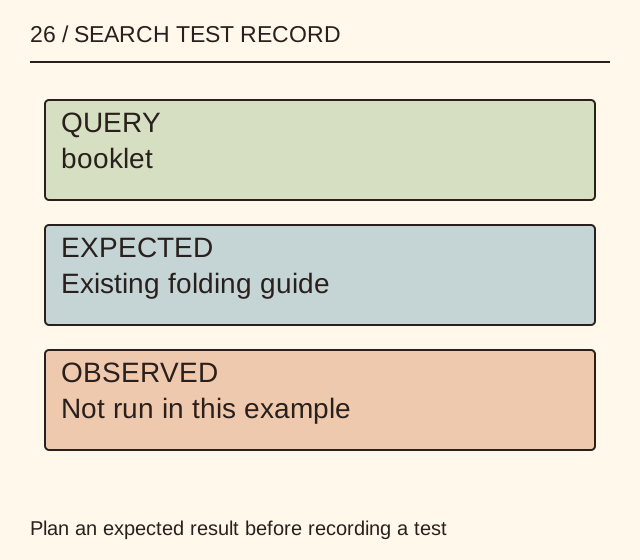
26 / SEARCH TEST RECORD · QUERY · booklet · EXPECTED · Existing folding guide · OBSERVED · Not run in this example · Plan an expected result before recording a test
- Task
- Query
- Edge case
- Observation
Put it into practice
An illustrative craft site has a page called “Fold an eight-page booklet”. The test sheet expects “booklet” to find it, “stapled booklet” to be reviewed for relevance, and an invented word to show a clear no-results message. The observed column stays blank until someone runs the checks. These are planned examples, not measured results for MichaelT search.
Illustrative example, not a reported client project or test.
Your take-away checklist
Test a small site’s search with a query and result record
- □ Task: ____________________
- □ Query: ____________________
- □ Edge case: ____________________
- □ Observation: ____________________
Before you act
Run tests only on a site you are authorised to check. This worksheet does not establish security, search-engine ranking or complete search coverage.
A completed example record
This is the illustrative case above. Download the blank version to record your own task.
- Task
- Find the booklet folding guideExisting target URL required
- Query
- bookletExpected page written before test
- Edge case
- Empty or unmatched queryClear useful response expected
- Observation
- Not run in this exampleActual result and date added after testing
Judge the destination, not only the hit
A result can contain the requested word while failing the reader’s task. Review its title, snippet and actual procedure together. Avoid adding many thin pages simply to make a search term appear.
Keep a compact regression set
Retain the queries that exposed real failures and a representative successful query. Re-run them after changing content or search logic, recording the version rather than repeatedly claiming that search “works”.
Sources & context
The earlier page, What Is Site Search Software?, was published 2022-08-22 under the Maria Baldwin byline. This guide develops its subject into a new procedure and worked example by MichaelT.