Identify the exact device
Use the normal accessible label and the manufacturer’s model-identification information. Keep printer model, serial reference where appropriate and document revision in a private technical record. Zebra’s ZQ500 specification entry covers named ZQ510 and ZQ520 devices. A similar-looking mobile printer, legacy battery listing or family nickname does not identify every compatible accessory.
Identify which component shows the indication
Record whether the observed light or symbol is on the printer, a charger, a dock or another accessory. Keep the exact accessory model with that observation. Two different indicators can have different meanings even when their colours look similar. Do not convert a third-party shop’s generic colour description into a diagnosis of the actual printer or battery.
Locate the matching manufacturer instructions
Use the manufacturer’s support entry to find the relevant manual and its revision. If a legacy download cannot be retrieved, record that limitation and ask official support for the matching document. A mirrored manual should be checked for its title, manufacturer and model coverage before use; it must not silently replace a newer device’s instructions. This page deliberately supplies no universal colour-to-fault table.
Ask a narrow support question
Provide the legitimate support contact with the exact models, observed indication and the normal operating context, following their secure process. Do not open a battery, bridge contacts, apply a reset from another family or improvise a charging-temperature instruction. Keep the support response and actual resolution separate from the initial symptom. A normal-looking light does not certify battery condition or compatibility.
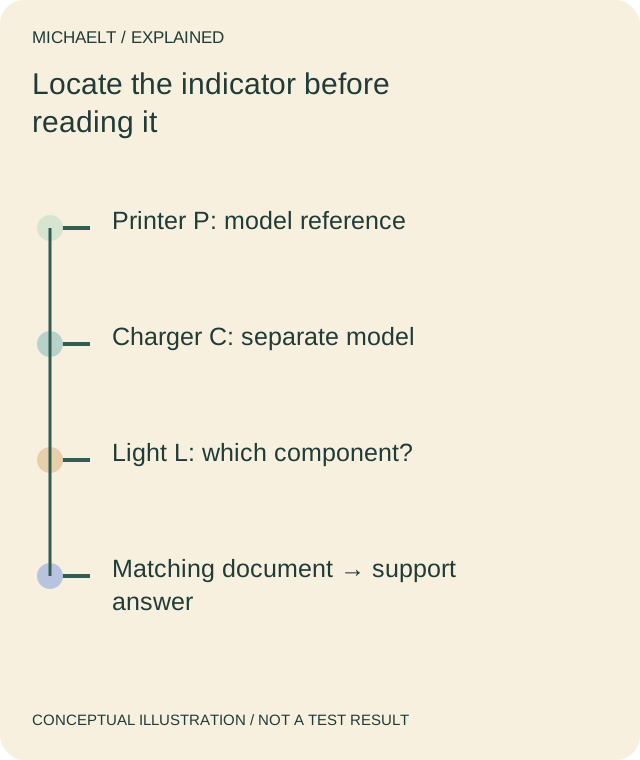
Read the drawing as text
The printer and accessory need separate identities. An indicator meaning belongs to the matching component and document, not a generic colour chart.
Work through an example
A fictional observation concerns light L on charger C used with printer P. An old image shows a battery advertised for a different printer family. The reviewer excludes that image as compatibility evidence and asks for C’s actual instructions. No colour meaning, fault or successful repair is inferred.
Illustrative example; figures, people and organisations in the worked record are fictional.
The example record
Printer P
- Record
- Exact model
- Boundary
- Not family nickname alone
Accessory C
- Record
- Own model reference
- Boundary
- Its indicator instructions
Observation L
- Record
- Actual light or symbol
- Boundary
- Meaning not guessed
Document
- Record
- Matching manual requested
- Boundary
- No cross-family reset
Download blank worksheet (.csv) ↗Download worked example (.csv) ↗
Keep your own record
Use the result within its scope
Use current manufacturer support for the actual equipment. No legacy battery product is endorsed or declared compatible, and no repair procedure is supplied.